
Streamlining data upload to openBIS with automatic metadata extraction
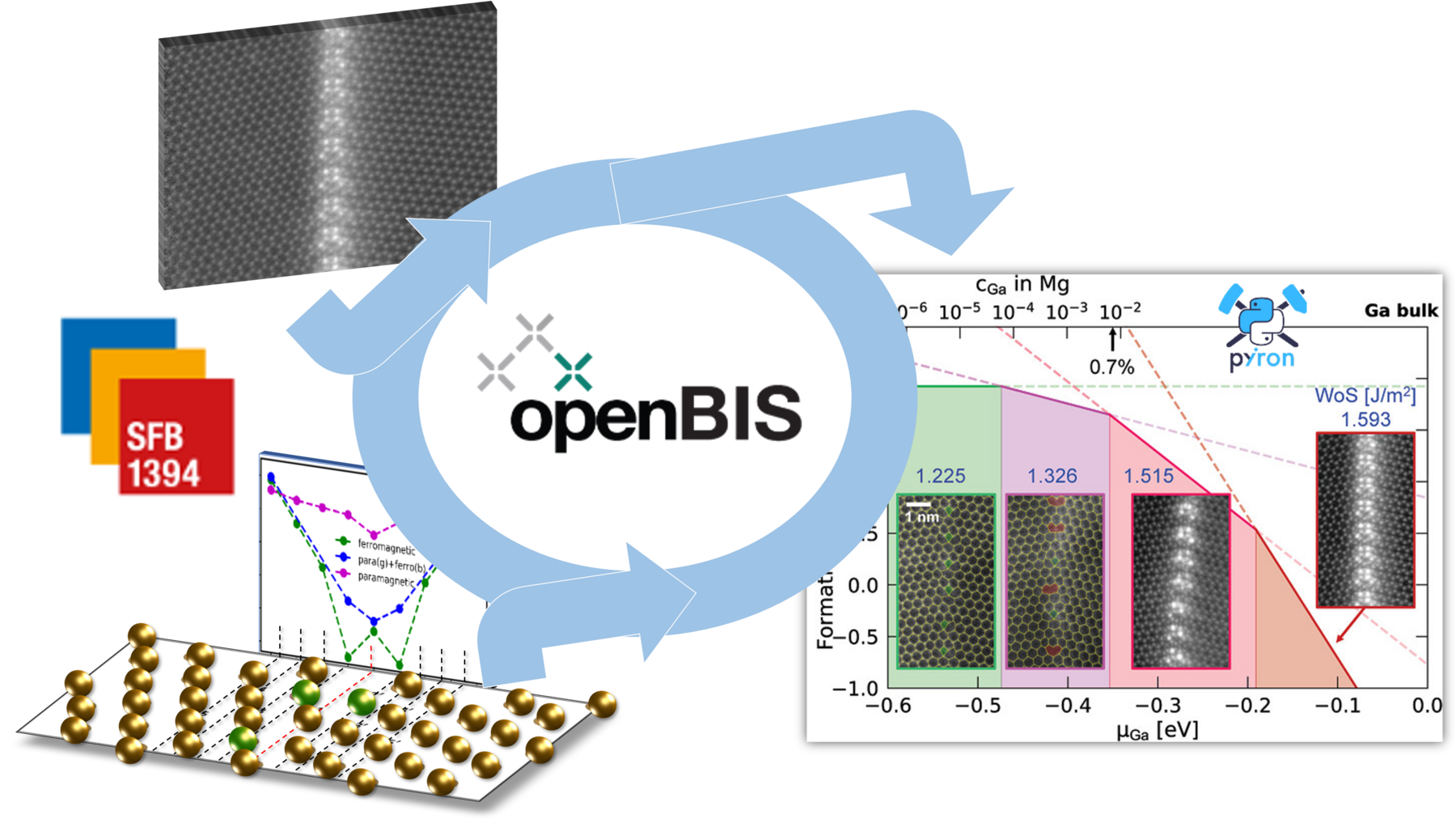
Simulation and microscopy data of a Ga enriched Mg Grain Boundary is registered in openBIS and used to create a defect phase diagram.
This IUC Demonstrator is about streamlining the interaction with data on the electronic lab notebook (ELN) and laboratory information management system openBIS. It demonstrates the integration of research data like electron microscope images or atomistic simulation results into the openBIS system. Hereby, the metadata of the files are extracted automatically and stored in the entry on the openBIS system.
For the upload we offer two different routes which are both demonstrated:
- a web-based interface Companion App in which the user - after a login - specifies an openBIS Project to register the data and uploads the file(s) containing the data and metadata.
- a jupyter notebook/python based interface to upload data to the system. In addition to the files supported by the web-based method, this approach can also handle multiple interlinked simulation objects from the pyiron framework.
In both cases, relevant entries from the openBIS inventory like atomistic simulation potentials, or specific microscopes are linked to the new openBIS entry.
Finally, we demonstrate how such annotated data can be used to create a defect phase diagram based on data from PP02/CRC1394.